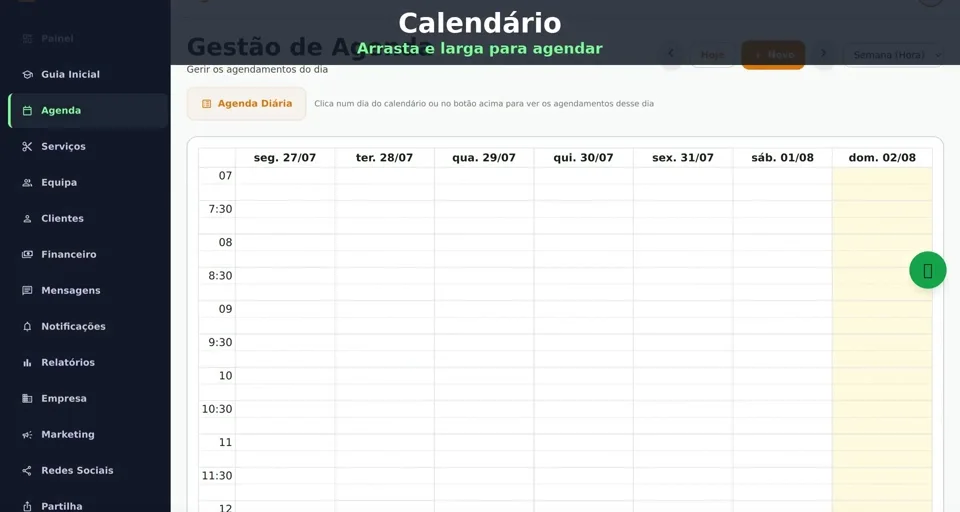
Manage your barbershop’s bookings and team
Try a bookingSet up your barbershop menu
In Services, create “Haircut”, “Beard trim” and “Haircut + beard trim” with their own prices and durations. For example, allow 30 minutes for a haircut, 20 for a beard trim and 45 for the combo. Adjust the timings to suit your team.
Assign services to the right barbers
In Team, choose which services each barber offers and set their working hours. If only one barber offers razor shaves, that service will show only their available slots.
Check availability before sharing your link
Open the public page on your phone and select the combo. Check that the expected times appear and that a booking lands in the chosen barber’s calendar. Once everything is set up, share the link with customers.
Try booking with OkAgenda
See how clients book online at barbershops, hair salons, nail and beauty studios, or any business that takes appointments.
Demo with fictional services and times. No account or personal details required.